
Environment Setup
When you sign up to BleshCMS your new account will be created. Please check your e-mail address for the account verification link. Your account stores all of your locations, beacons, customers, campaigns and applications' data.
Sign up to BleshCMS if you haven't created an account yet.
CMS Demo
On your Dashboard page you'll see your account has been assigned 3 beacons, 1 application and 1 campaign for your test experience.
Next you'll want to setup your own Beacons, applications and campaigns to align with the physical places in the real world where you will be using BleshCMS to interact with customers.
My Beacons
On your first log in to BleshCMS you will find 3 Beacons already assigned for you to test and learn how to handle the BleshCMS environment. You can mount your Beacons and connect them with your physical web devices to manage your campaigns.
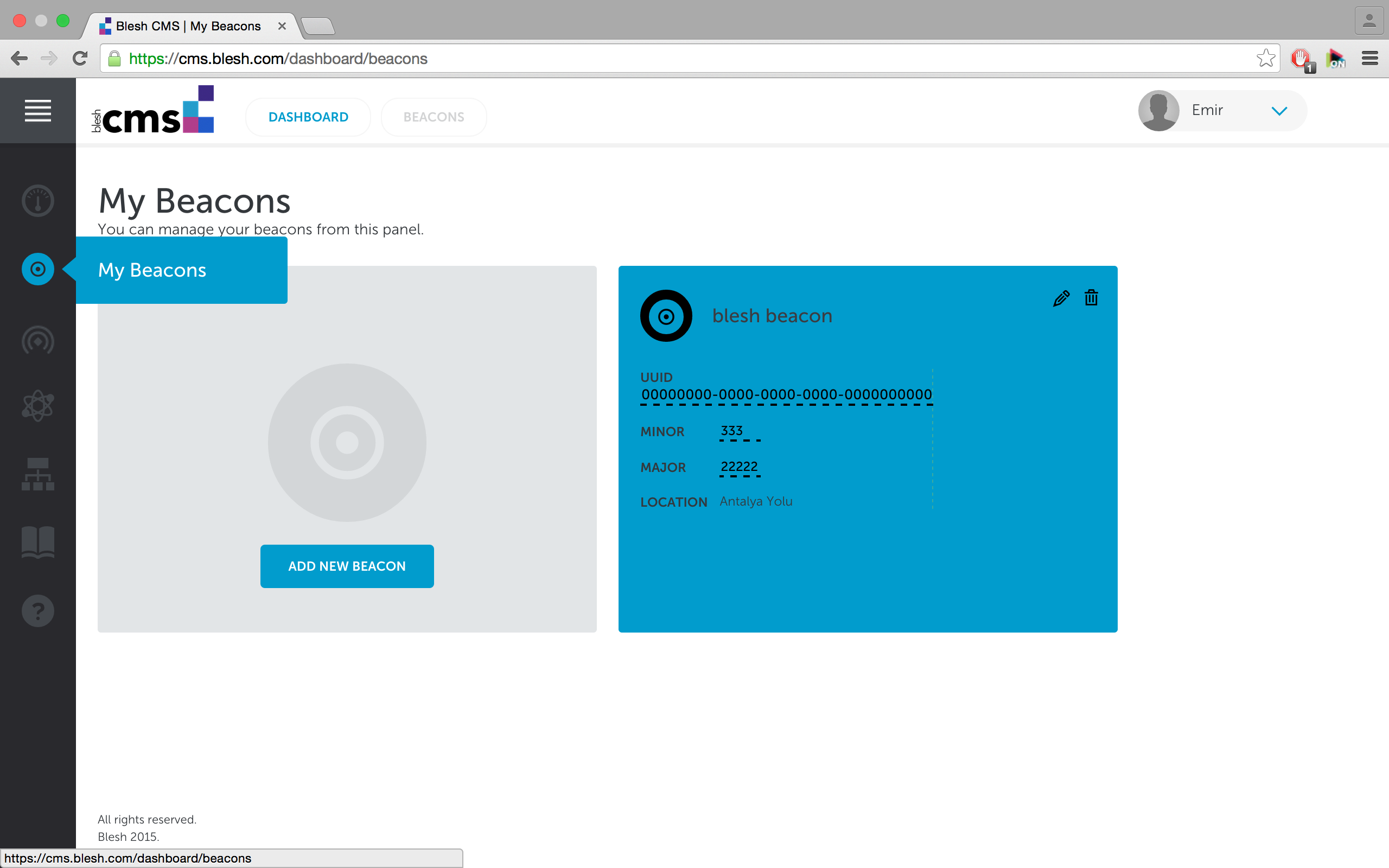
Beacon Tutorial
You can find the required guides to mount your beacons under Blesh CMS Tutorials in the Mounting Beacons to BleshCMS section.
My Applications
Before starting to create you own applications we recommend you to analyse the default application created for you. You can then proceed to create your own applications with ease.
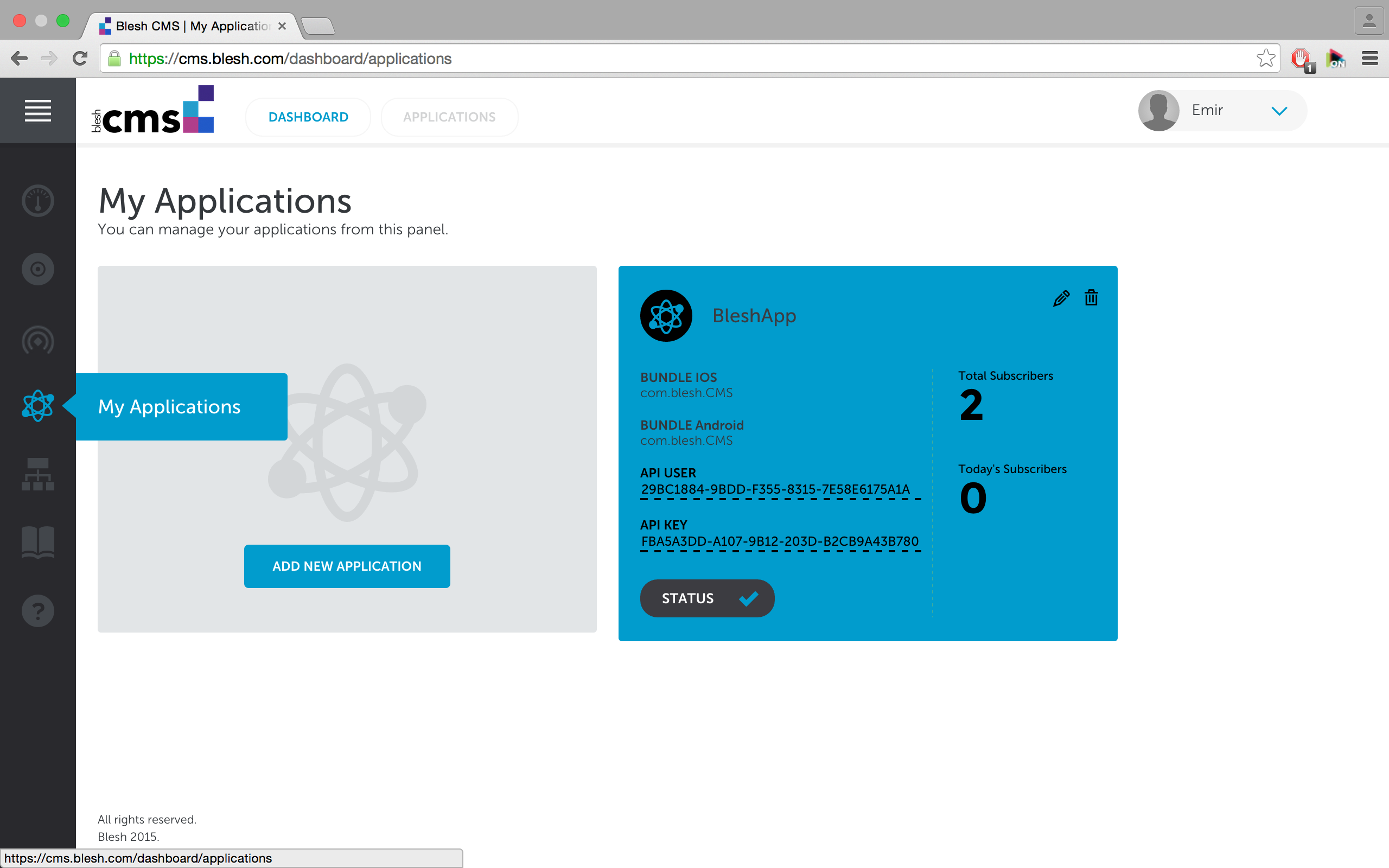
Application Tutorial
You can find the required guides to create your applications under Blesh CMS Tutorials in the Integrating your Apps to BleshCMS section.
My Campaigns
Creating your campaign is one of the last steps to creating your ad and interacting with customers. On your first log in just like in the beacons and the apps section you will have a default campaign that you can check out before proceeding with your own.
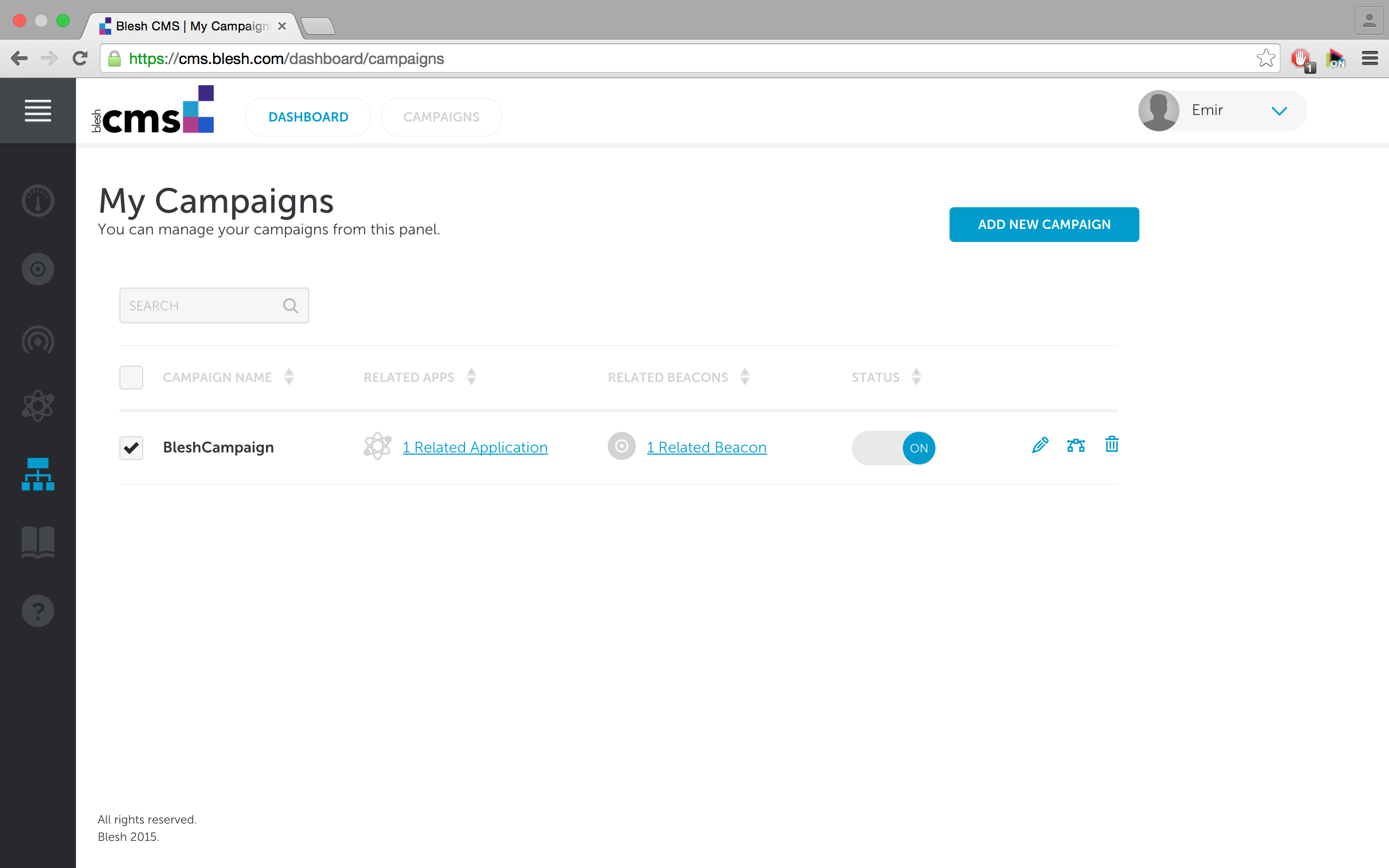
Campaign Tutorial
You can find the required guides to create your applications under Blesh CMS Tutorials in the Creating and Editing your Campaign and Ad section.
My Ads
Creating your ad is a part of the creating your campaign process. You will be able to design and modify your ad as you like for It's final representation to your customers. This is the final step of the whole process.
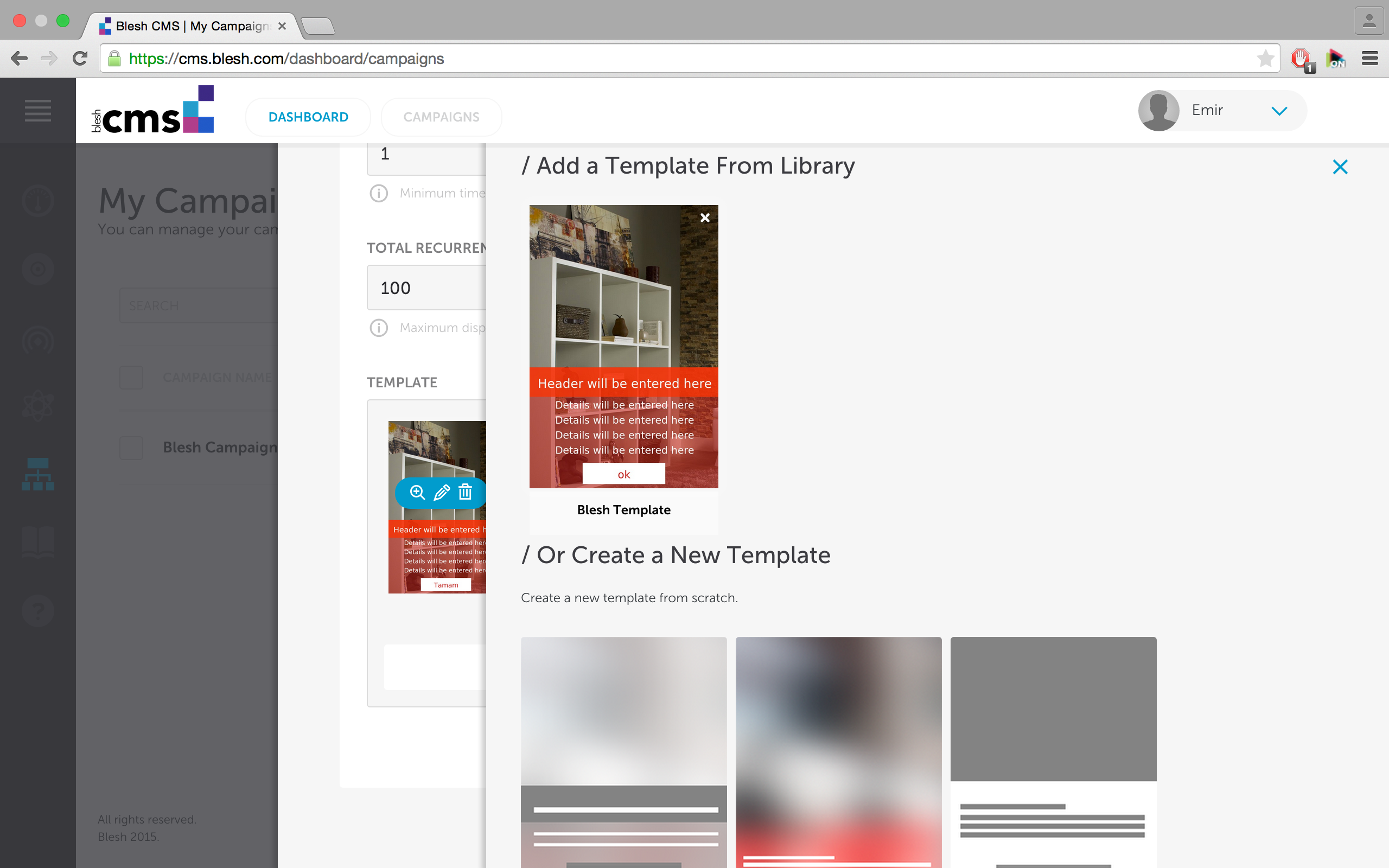
Ad Tutorial
You can find the required guides to create your ads under Blesh CMS Tutorials in the Creating and Editing your Campaign and Ad section.
Can’t get enough? Try our community pages for further information and pro tips or you can always contact us at [email protected].
Updated less than a minute ago